Which Files Work for Routing Sign Components?
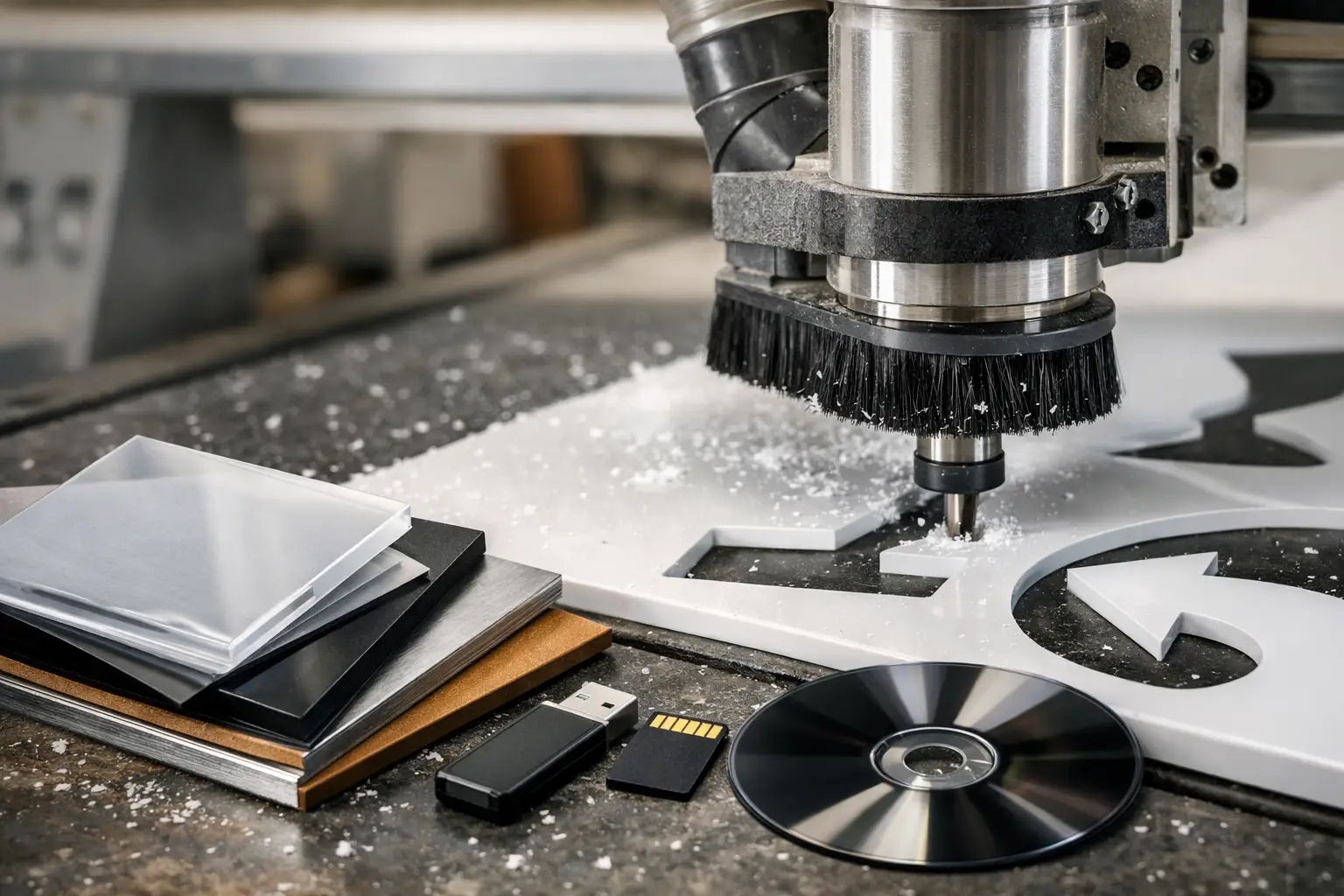
A routed sign can only be as accurate as the artwork used to produce it. When customers ask which files work for routing, the practical answer is that vector artwork works best. A clean vector file gives the CNC router defined paths to follow, helping ensure letters, logos, borders, recesses, and cutouts match the approved design.
For custom HDU signs, dimensional letters, routed panels, and monument replacement faces, the file is not simply a picture of the finished product. It is part of the manufacturing specification. It tells the fabricator what is cut through, what is recessed, what remains raised, and where separate components begin and end.
Which Files Work for Routing Most Reliably?
Adobe Illustrator files, EPS files, SVG files, and vector-based PDF files are generally the most useful formats for routing. These formats can preserve the mathematical paths that define shapes, rather than reducing artwork to a grid of colored pixels.
A CAD file such as DXF may also be appropriate, especially for architectural layouts, panel shapes, mounting patterns, and projects with exact field dimensions. The best format depends on the design and the production method, but the common requirement is the same: the file must contain clean, usable vector paths.
A vector path can be enlarged or reduced without losing edge quality. More importantly, it gives the CNC program a route to follow. A circular logo element is recognized as a circle. A letter contour is recognized as a cut line. This is different from a JPG or PNG, where the same shape is made from pixels and may look acceptable on screen while providing no dependable cutting geometry.
For most sign projects, an AI, EPS, SVG, or properly prepared PDF is the preferred starting point. Supplying the original editable artwork is better than exporting a flattened image from a design program.
Vector PDF Files Can Work - If They Are Actually Vector
PDF is a container format, not a guarantee of routable artwork. One PDF may contain precise vector paths; another may contain only a scanned image, a screenshot, or a low-resolution logo placed on a page.
If a PDF was exported directly from Illustrator, CorelDRAW, or a professional design application and its text and logo elements remain vector-based, it can often be suitable for production review. If it originated as a photograph or a raster image, it will likely need to be redrawn before it can be routed accurately.
This distinction matters most with small details. A fuzzy edge in a web graphic may be barely noticeable at screen size. Once converted into a routed letter edge, border, or relief detail, that uncertainty becomes visible in the finished sign.
Why Raster Images Are Usually Not Ready for CNC Routing
JPG, PNG, GIF, TIFF, and most screenshots are raster files. They are useful as visual references because they show the intended logo, color relationship, or general layout. They are not normally production-ready routing files.
A high-resolution raster image can sometimes be traced or recreated into vector artwork. However, tracing is not the same as receiving original vector art. Automatic tracing can introduce extra points, uneven curves, broken contours, and unintended shape changes. A skilled redraw may be required when logo accuracy, dimensional lettering, or clean routed edges are important.
Raster artwork is especially risky when it includes fine type, registered trademarks, ornate crests, thin linework, or logos that will be enlarged for an entrance sign or monument face. The source image may not contain enough information to reproduce those elements faithfully.
If only a JPG or PNG is available, it is still worth sending for review. It can help establish the design direction. The written scope should then identify whether artwork cleanup or vector recreation is required before fabrication proceeds.
What Makes a Vector File Routable?
Having a vector file is an excellent start, but not every vector file is ready to go directly to a CNC router. The artwork must also be organized for the intended sign construction.
Outlined Fonts Prevent Substitutions
Text should be converted to outlines, sometimes called curves or paths. This turns each letter into a defined shape rather than an instruction to use a particular installed font.
Without outlined fonts, a file may open with a substitute typeface if the original font is unavailable. The substitution can change letter widths, spacing, line breaks, and overall readability. On a routed sign, even a small change can affect the fit of a panel, the spacing of stud-mounted letters, or the balance of a logo.
Keep an original editable version of the artwork for future revisions, but provide an outlined production copy for review and routing.
Closed Paths Matter for Cut Shapes
A router needs a complete path for any shape being cut out, carved, or profiled. Open paths, overlapping lines, duplicate objects, and accidental gaps can create uncertainty in the toolpath.
For example, an outlined letter intended as a separate HDU component needs an outside contour and correctly defined interior openings. The counters in letters such as A, O, P, R, B, and D must be treated intentionally. A decorative border should be one clean shape, not a collection of nearly touching line segments.
Clean artwork reduces production questions and helps prevent unexpected changes when routing begins.
Scale and Dimensions Must Be Clear
Artwork should be supplied at full size whenever practical. If the file is scaled, state the scale clearly and provide finished width and height dimensions in writing.
The visual proportions of a logo do not establish its final physical size. A sign face shown at 24 inches wide and one shown at 96 inches wide may use the same logo file, but routing allowances, material thickness, attachment methods, and detail limitations can differ substantially.
For a replacement monument sign face, do not rely on an old sign photo or estimated opening size. The customer or installer must verify the actual panel dimensions, corner radii, thickness requirements, and any mounting or retention conditions before production. Manufacturing can be precise only when the approved dimensions are precise.
Separate Artwork by What Will Be Fabricated
A finished sign often includes more than one material or one routed operation. Raised HDU letters may sit on a carved HDU background. Acrylic copy may be applied over a routed panel. A metal-faced element may require its own separate production treatment.
The artwork should make those distinctions visible. Layers or clearly labeled pages can identify the background panel, raised copy, recessed copy, border, logo components, drill locations, and any separately applied pieces. When a design calls for different colors or finishes, color codes and finish notes should accompany the art rather than being inferred from a screen preview.
For a carved HDU panel, specify the intended recess depth and the finished material thickness where known. For dimensional letters, identify letter thickness, whether letters are individual pieces or mounted to a backer, and the planned attachment approach. A good fabrication file does not need to dictate every shop process, but it should clearly communicate the intended result.
Design Details That May Need Adjustment
Not every line visible in artwork can be routed cleanly at every size. Router bits have physical diameters. Very narrow spaces, sharp inside corners, hairline strokes, and small isolated details may need modification to produce a durable, readable sign.
This is not a reason to simplify every design automatically. It is a reason to evaluate detail against actual viewing distance, material thickness, panel size, and the sign's role. A logo used on a reception plaque can support finer detail than the same logo used on a large exterior property sign viewed from a roadway.
HDU is well suited to routed textures, raised lettering, dimensional profiles, and carved backgrounds because 15-pound sign-grade HDU machines consistently and does not have the grain movement associated with natural wood. Even so, the material does not eliminate the need for sensible spacing and adequate letter stroke width. Exterior signage must remain legible and structurally sound after finishing, shipping, and installation.
Send Reference Information With the File
The artwork file should be accompanied by a concise project description. State the finished dimensions, quantity, material preference if known, intended use, and any required colors. Include photographs of the existing installation when the project is a replacement face or must match an established property sign.
For mounted letters or panels, identify the attachment method if it has already been determined. If the sign will be installed by a contractor or sign company, that installer should confirm mounting surfaces, measurements, structural conditions, and local permit requirements. Those site conditions cannot be verified from artwork alone.
An approved proof remains the production reference. It should show the spelling, layout, overall dimensions, material callouts, colors, and the components included in the manufacturing scope. Reviewing that proof carefully is more effective than trying to resolve design assumptions after routed parts have been finished and packaged.
A Better File Produces a Better Starting Point
The preferred routing file is a clean vector drawing with outlined fonts, closed paths, clear dimensions, and separate elements for each fabricated component. That preparation gives the production team a reliable basis for CNC routing and gives the buyer a clearer understanding of what is being made.
If your available artwork is incomplete, send what you have along with the actual sign dimensions and a clear description of the intended result. It is far better to identify artwork limitations before approval than to force an uncertain file into a finished exterior sign.